A free Figma plugin by NVDreamspace
Turn one colour into a full Tailwind v4 scale
Generate complete Tailwind CSS v4 color scales from any single color. Production-ready palettes in one click.

Generate complete Tailwind CSS v4 color scales from any single color. Production-ready palettes in one click.
Built for designers and developers who value speed, accuracy, and design system consistency
Your brand color automatically finds its perfect spot in the scale. No manual tweaking needed.
Powered by OKLCH color space calculations that replicate Tailwind v4's methodology for perceptual uniformity.
One-click conversion to Figma variables with organized collections ready for semantic token mapping.
Watch your brand colors transform into production-ready design tokens with intelligent automation
Start with the colors that define your brand. Add as many colors as you need: primaries, accents, neutrals. TailWinks accepts any format and intelligently recognizes what you're building.
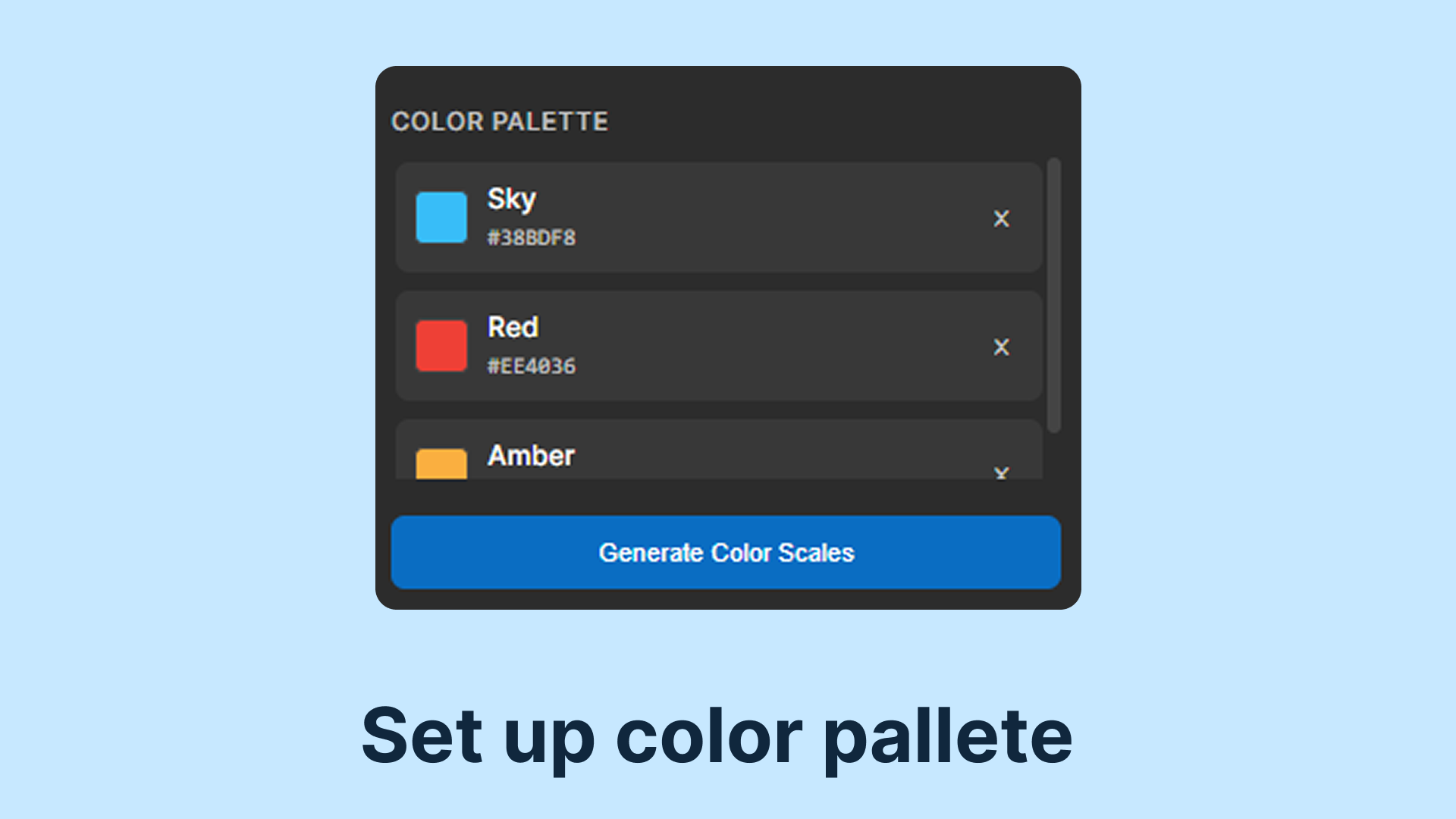
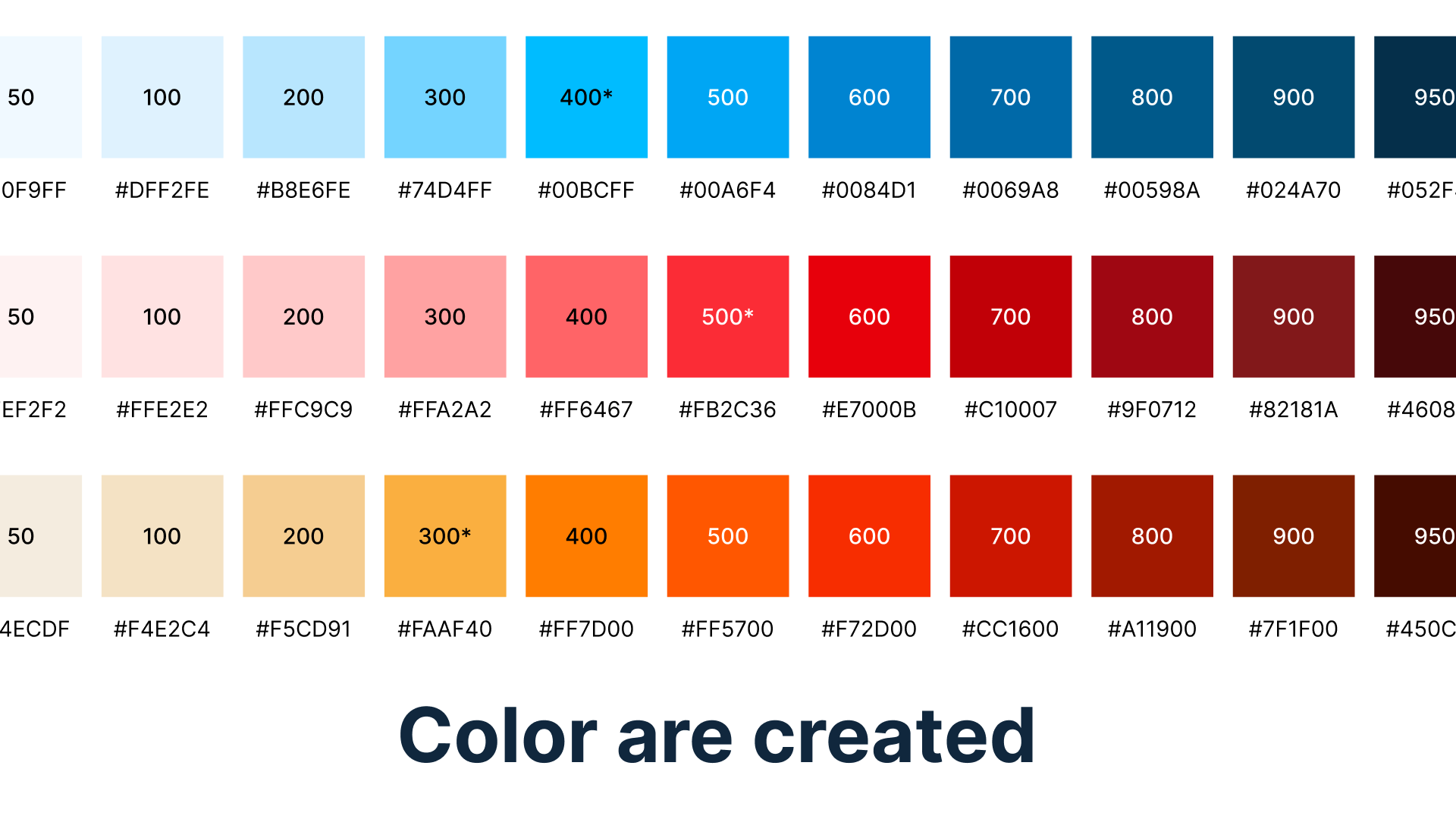
TailWinks analyzes each color's properties and generates a complete 11-shade scale using the same OKLCH algorithm as Tailwind CSS v4. Your brand color finds its perfect position automatically.
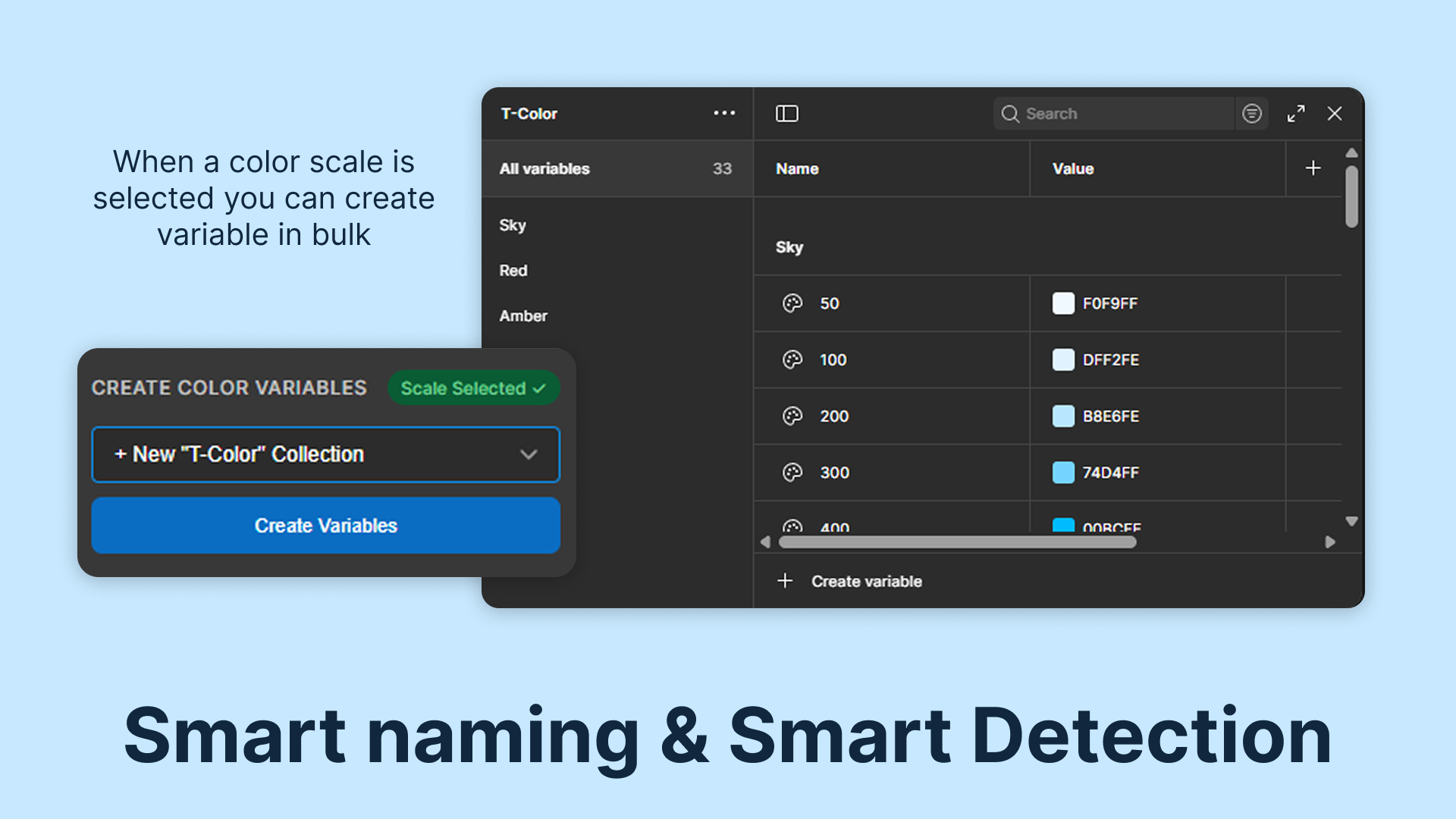
Transform your color scales into organized Figma variable collections instantly. Each shade becomes a reusable variable, ready to power your entire design system with consistent, maintainable tokens.
Tailwind ships every colour as eleven steps, from 50 through to 950. That is not decoration. One brand colour is never enough to build an interface with, because you need a pale tint for a hover background, a mid tone for a border, and something dark enough for text that still holds contrast against the tint. Eleven steps covers those jobs without anyone having to invent a shade at four in the afternoon.
Building them by hand is where it usually comes apart. Lightening a colour in most tools moves it through a colour space that was never designed for the job, so the middle steps drift toward grey and the dark end picks up a hue shift nobody asked for. What you get is eleven colours that are each fine on their own and do not read as a family.
Tailwind v4 moved its palette to OKLCH, a colour space built so that an equal step in the numbers looks like an equal step to a person. That is the entire reason it exists. In older spaces, moving from 40 to 50 percent lightness is a far larger visual jump in yellow than in blue, which is why a hand built scale can look even in one hue and wrong in the next.
Figma variables store sRGB, so pasting Tailwind v4 values straight across does not work. That gap is what this plugin closes: it spaces the scale in OKLCH and hands Figma the sRGB values that match, rather than asking you to convert eleven colours by hand and hope.
The most common mistake is anchoring a brand colour at 500 because 500 is in the middle. That is only right if your colour already sits at mid lightness. A pale brand colour belongs nearer 300 and a deep one nearer 700, and getting that anchor right is the difference between a scale you actually use and one where half the steps are unusable.
We covered the whole workflow, including how to keep Figma and code in step once both exist, in our guide on getting Tailwind v4 colours into Figma as variables.
It generates scales and writes Figma variables. It does not check contrast ratios for you, does not read your codebase, and does not push anything back to a repository. Those are deliberate omissions rather than things waiting on a roadmap, because a tool that does one job predictably is easier to trust than one that does four of them approximately.
Start generating production-ready color scales in Figma today. Completely free.
Use Plugin for FreeLast updated