How It Works
Python-powered PDF processing running entirely in your browser
Technical Process
First-time initialization (30-45 seconds): When you first visit this page, we download Python WebAssembly (~25MB) and the PyPDF library (~5MB) to your browser's temporary cache. This happens automatically in the background. The files are stored temporarily in your browser's memory (RAM) and cache, similar to how videos buffer when you watch YouTube. Nothing is installed permanently on your hard drive.
After initial setup: Python remains cached in your browser, so subsequent visits and processing operations are instant. The cache clears automatically when you clear your browser data or after a period of inactivity.
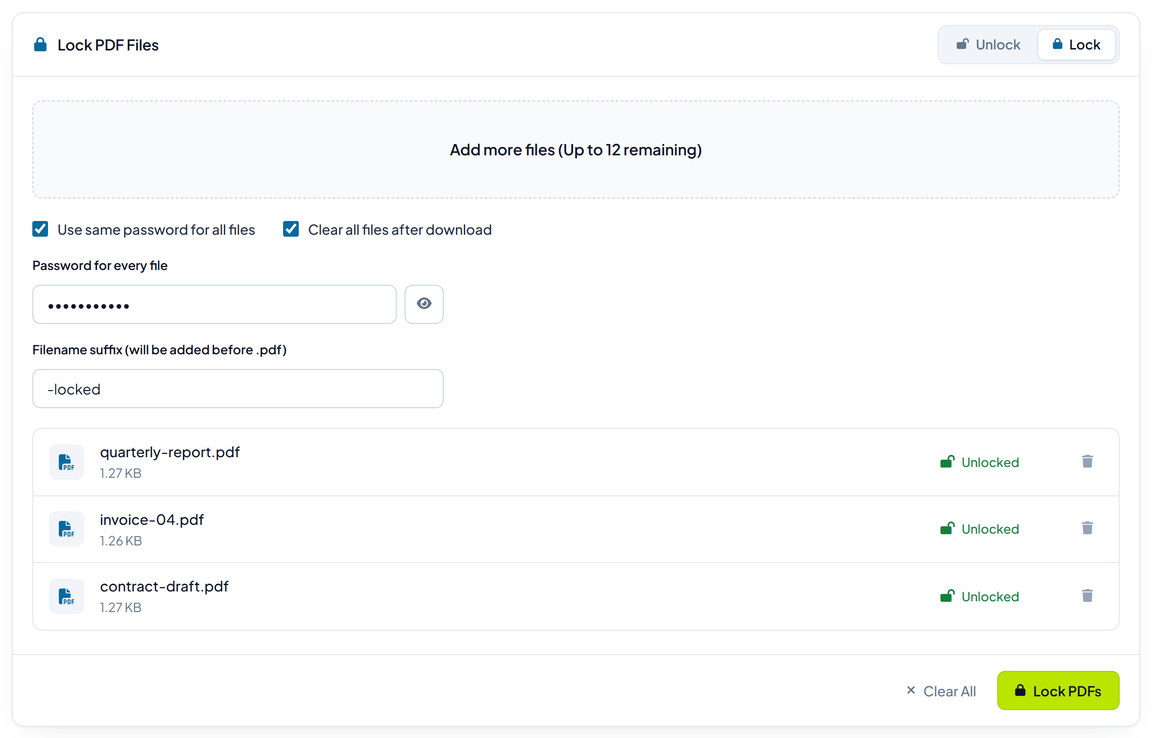
Upload PDFs
Drag and drop or select up to 15 PDF files
Enter Passwords
Provide individual passwords or use the same password for all files
Python Processing
Python runs in your browser to process PDFs while preserving vector quality
Download
Get individual PDFs or download all files in a ZIP archive
Python in Browser
Uses real Python (PyPDF) via WebAssembly for authentic PDF processing
Vector Preservation
Maintains PDF structure and vector graphics, no rasterization
Bulk Processing
Process up to 15 PDFs simultaneously with one-click convenience
ZIP Download
Download all processed PDFs in one convenient ZIP file
Common Use Cases
Perfect for various document management scenarios
Bank Statements
Lock or unlock multiple monthly bank statements that use the same password
Financial Documents
Manage password protection on invoices, receipts, and financial reports
Legal Documents
Protect or unlock contracts, agreements, and legal files
Business Reports
Manage protected business documents, presentations, and reports
Educational Materials
Lock or unlock course materials, research papers, and academic documents
Personal Documents
Manage passwords on your own files for privacy and easier access
Security & Privacy
Your documents and passwords stay completely private
How Your Privacy is Protected
Everything runs on YOUR computer, not our servers. This website simply provides the algorithm (Python code), but your computer's processor does all the actual work of processing PDFs. Think of it like downloading a calculator app - the app provides the calculator, but the calculations happen on your device.
Your PDFs never leave your device. They stay in your browser's RAM (temporary memory) for processing, then are immediately deleted when you close the page. No files are uploaded to any server, no passwords are transmitted anywhere, and nothing is logged or stored on our end.
Python runs in a secure sandbox. The Python environment operates in WebAssembly, which is isolated from your operating system and cannot access anything outside your browser tab. It's like running Python in a virtual machine that has zero access to your files, network, or system.
100% Client-Side
All processing happens in your browser, files never leave your device
No Server Upload
Your PDFs and passwords are never transmitted to any server
No Data Storage
Nothing is saved, logged, or stored - complete privacy guaranteed
Secure Processing
Uses industry-standard PyPDF library with proven security
Auto Memory Clear
All data is cleared from browser memory when you close the page
Ethical Use
Only process PDFs you have legitimate authorization to access
Limitations
Important restrictions and requirements
First-Time Setup
Initial Python download takes 30-45 seconds, then cached for instant use
Password Required
You must know the correct password - this tool cannot crack or guess passwords
File Limit
Maximum of 15 PDF files can be processed at once due to browser memory limits
Permission Required
Only use this tool on PDFs you have legal authorization to process
User Password Only
Works with user passwords - cannot remove owner/permission restrictions
Browser Memory
Very large PDFs (100MB+) may cause browser performance issues