
Every year I watch Adobe MAX hoping for the update that makes my normal Tuesday faster. This year Adobe showed a lot of AI that makes new things: new images, new video, new music. It showed very little that makes the things I already do every day take fewer clicks. That's the update I was waiting for, and it didn't come.
What Adobe announced
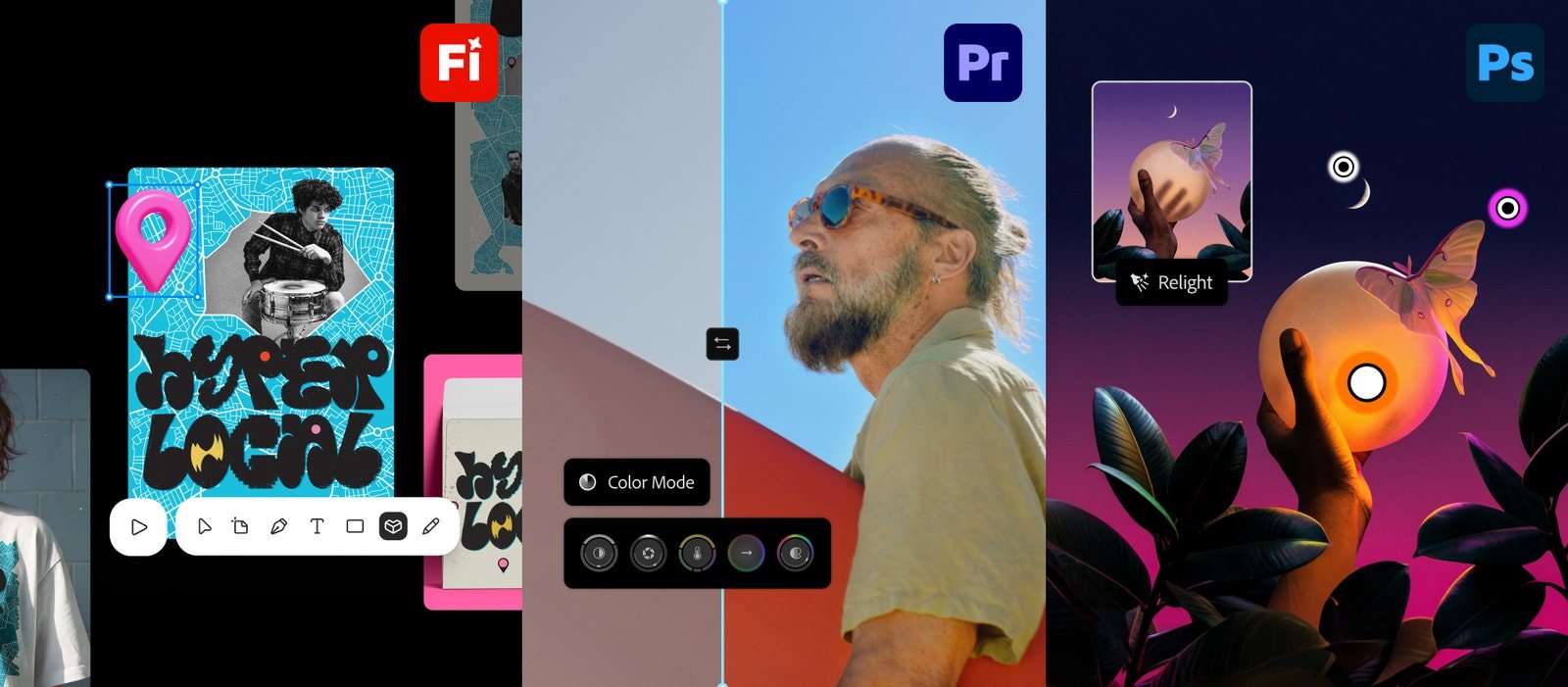
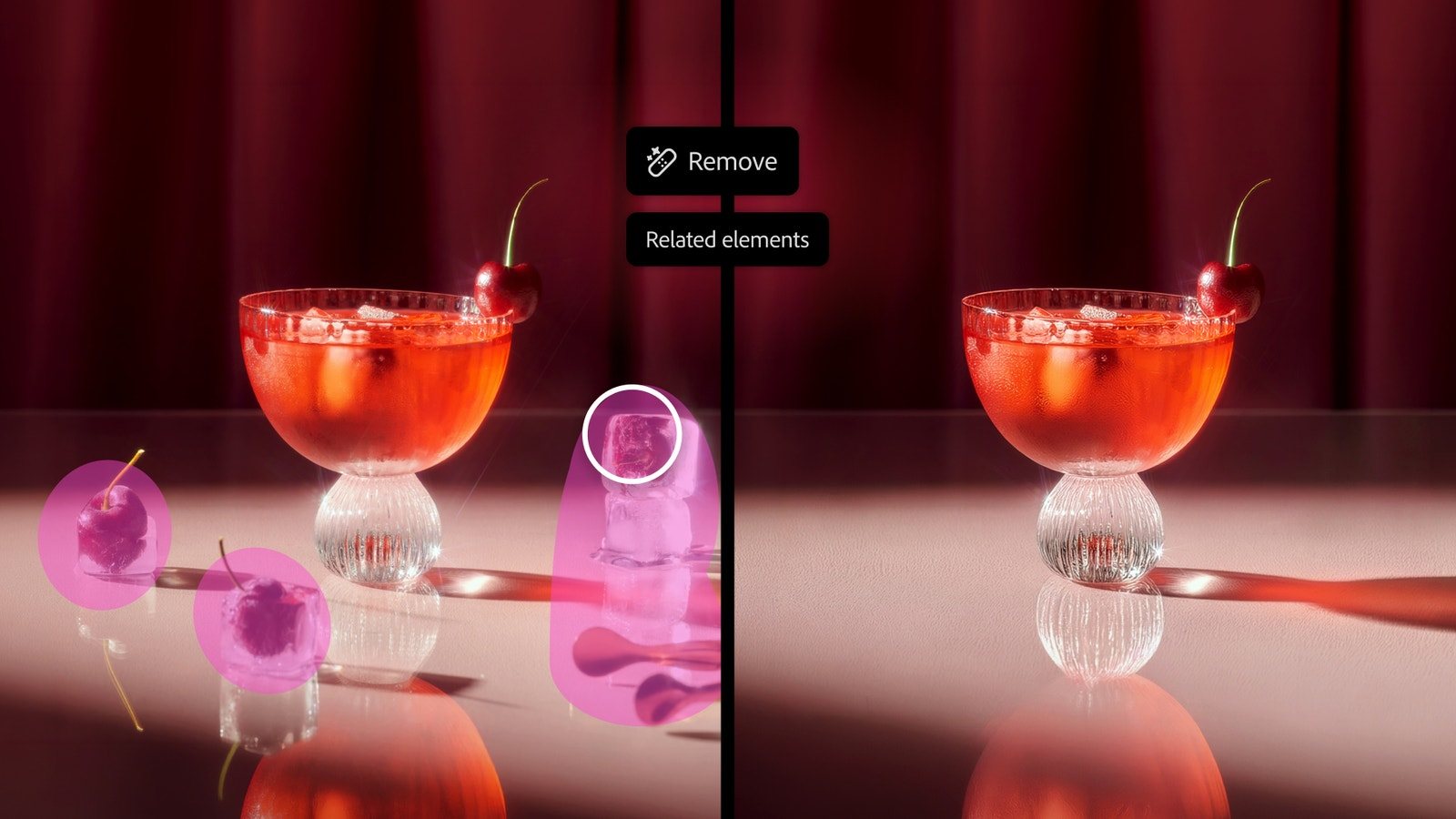
MAX 2026 ran from 10 to 12 November in Miami Beach. In Photoshop: Relight for changing the lighting of a photo, Generative Restyle, a Remove tool that now also finds related things in the photo and removes them together, a before-and-after slider called Quick Compare, and a simpler AI Assisted Editor. In the Photoshop beta: Generative Recompose, Camera Angles, Mockups and Convert to Text Layers.
In Premiere Pro, Color Mode is now out for everyone, and you can generate video, sound effects, ambient sound and music straight in the timeline, using Adobe's Firefly models or partner models from Google, Kling, Runway and Luma. Generative Remove is in beta, and there are new audio tools like Enhance Audio and separating voices that talk over each other. Illustrator gets refreshed content libraries and on-canvas Blend controls. Firefly gets three new apps, Design, Graph and Builder, and Adobe's AI Assistant is coming to Premiere, Illustrator, InDesign, After Effects and Frame.io as a beta.
Mostly AI that makes things, not AI that helps me edit
Put the announcements into two piles and the problem is easy to see.
AI that makes something new:
- Generate Video, Sound Effects, Soundscape and Music in Premiere Pro
- Generative Restyle and Generative Recompose in Photoshop
- Camera Angles, which changes the angle a photo was taken from
- Firefly Design and Firefly Builder
AI that helps me edit what I already have:
- The Remove tool finding related elements to remove together
- Quick Compare
- Convert to Text Layers
- Enhance Audio and separating voices in Premiere Pro
- Blend controls on the canvas in Illustrator
The first pile is bigger, gets more stage time, and is where Adobe's generative credits come in. Every generation costs credits, and a failed one usually costs the same as a good one. I don't use generative video at all. It takes too long to render and it costs too much for what comes out. The second pile is the one I'd actually use every day, and it's the smaller one.
The small things that would save me hours
None of these would get applause on stage. All of them would save me more time than generating a video.
Easier keyframes. Adding and shaping keyframes in Premiere Pro and After Effects still takes too many clicks, and Premiere's keyframe graphs are hard to work with. A smarter way to add and smooth keyframes would help every editor, every day.
Smoother artboards. Working with artboards in Illustrator and Photoshop still feels heavy. Moving, duplicating and resizing them should be instant.
A faster Photoshop. I tried Photoshop 2027 and its new layout. The toolbar keeps expanding every time I hover over it, and moving an adjustment layer is slow. I don't know what changed, but right now it feels like a beta that shipped by accident.
Never lose unsaved work. Notepad on Windows reopens what you typed even if you never saved it. Adobe apps should do the same. If I close an untitled file, I should be able to open it again the next day, no questions asked.
Suggest file names. Logo_v1, Logo_v2, Logo_final, Logo_final_v6. Picking names wastes more time than anyone admits. Adobe knows what's in the file. It could suggest a clear, consistent name and version number for me.
Quick jobs should be quick. When I need to remove backgrounds from a batch of images or crop a few photos, I open Figma, because Photoshop takes too many steps for something that simple. That should never be the case.
The AI I'd actually pay for
Remember why everyone loved the Object Selection tool? It didn't make anything for you. It saved you ten minutes of careful selecting and then got out of the way, so you could do the creative part. That's how AI should be used in tools like these, and here's what that would look like:
Smart reframing that actually follows the subject. DaVinci Resolve already has Smart Reframe. Adobe could go further: keep the subject centred more aggressively, and let me fix it easily when it loses track. A small DJI Osmo Pocket camera can follow a subject smoothly in real time. There's no reason Premiere can't do better on footage that's already recorded.
Automatic mixing and mastering. An AI layer on top of the whole timeline that sets the voice, sound effects, music and ambient sound to the right levels, and keeps their frequencies from clashing.
Frequency side-chaining. Instead of lowering all the music when someone speaks, lower only the frequencies that clash with their voice. The music stays full and the voice stays clear.
A better Color Mode. I'm glad it's out, but let's be honest: Premiere's colour tools still look amateur next to DaVinci Resolve. Make the existing tools smarter before adding new ones.
One idea I'd love Adobe to steal: a local AI app
Here's what I'd build. One Adobe app that holds Adobe's own AI model, running on your computer, able to handle images, video, audio and text. Every Adobe app connects to it. It installs automatically with your first Adobe app, and the first time you use an AI feature, it downloads only the parts of the model that feature needs.
That would mean AI that works offline, is faster because nothing goes to a server, keeps your files on your computer, and doesn't burn a credit every time you click. Adobe announced nothing like this at MAX 2026. The new connection for outside AI assistants runs locally, but the AI itself still lives somewhere else.
MCP is welcome, but it's late
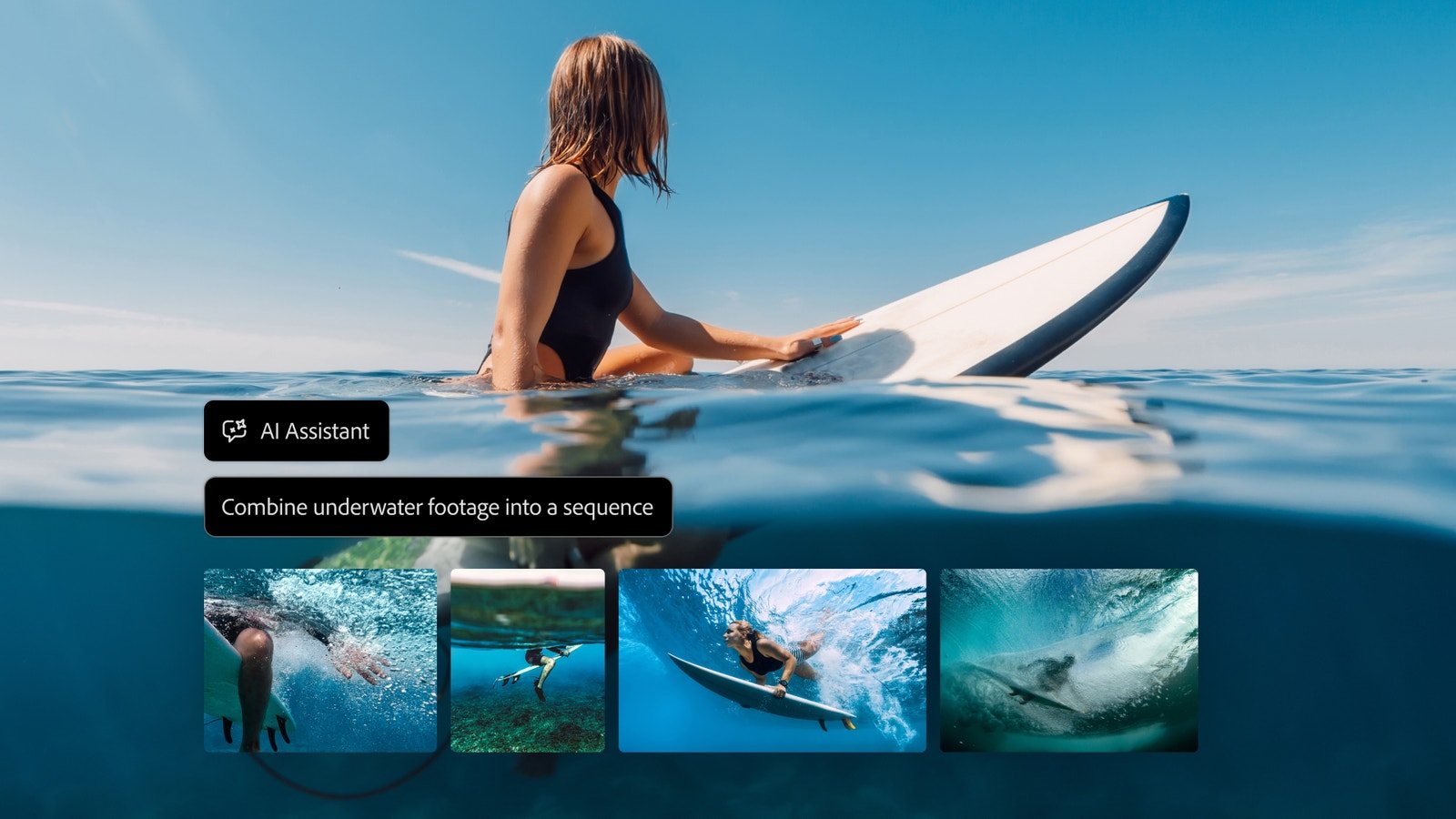
MCP is the standard that lets AI assistants like Claude or ChatGPT work directly inside other apps. Adobe showed MCP connections for Photoshop, Illustrator, Premiere and After Effects that run on your own computer. Good. But it's only a preview, and Adobe says it starts as a private beta in early 2027. Businesses are already connecting AI to their tools this way every day. For creative teams, this should have shipped this year, not next.
What other people are saying
Look through the comments under Adobe's own MAX posts and in its community forums, and a few things keep coming up. People are still unhappy about subscription prices. Many are frustrated with generative credits: single edits that use up a surprising number of credits, and credits spent on results they couldn't use. Some people are excited about AI handling the boring steps, and others are worried about what it means for their jobs. Hardly anyone is asking for more generated video. A lot of people are asking for a faster, steadier Photoshop.
My verdict
MAX 2026 looked impressive on stage, and some of it is genuinely useful. The smarter Remove tool and Color Mode show that Adobe can still make its tools better at the jobs we already do. But the balance is off. Too much of this year went into AI that makes things and costs credits, and too little into the clicks, the speed and the small frustrations that slow us down every day. Make the tools we already use faster and smarter, and we'll stay. Keep adding generators, and more of us will keep opening other apps for the quick jobs.
Announcements are from Adobe's MAX 2026 posts of 10 and 11 November 2026. The opinions, and the hands-on impressions of Photoshop 2027, are ours. Photos: Adobe.